



Getting started
Flap & Jack opens straight to the title screen. There is no account and nothing to set up, and every mode is available from the first launch.
- Pick a mode: Versus, Solo, Jack & Flap or Co-op.
- Learn the controls. Before your first run, a short lesson asks you to tap each side once. Jack & Flap has a lesson of its own, and your first Versus match adds a short lesson on items.
- Fly. Each run starts with a 3-2-1 countdown. Each tap is one flap; holding a finger down does nothing, and taps with both thumbs at once both count.
- Avoid the stones and the water. Touching a stone gate or the water is a crash. The top of the screen is safe.
To pause, tap the pause button at the top of either half. When you resume, a 3-2-1 counts you back in.
Modes and controls
Solo. One player, two thumbs. Tap the left half to flap Flap and the right half to flap Jack. Every gate either bird clears adds one point to a shared score, and a crash by either bird ends the run.
Co-op. Two players, one side each. Each of you taps your own half to fly the bird on your side. You share one score, and one crash ends the run for you both.
Jack & Flap. The crossed version, for one player or two. The left half flaps Jack on the right, and the right half flaps Flap on the left. The rules are the same as Solo, and it keeps its own best score and leaderboard.
Versus. Two players share one iPhone, best of three rounds. Each of you taps your own half to fly the bird on your side (except during a Swap, below). Each bird keeps its own score. The first crash ends a round, and the first to win two rounds wins the match.
As the score climbs, the game speeds up, the gaps narrow and the gates come closer. The difficulty stops rising at a pace that stays playable.
Versus items
Fly into a feather to pick up an item. A bird holds one item at a time, and its icon shows above the bird and on its button. To use your item, tap the item button in the bottom corner of your half, or swipe up on your half.
- Bolt: a cartoon zap fired at your bird's height across the other side. A see-through band warns where it will pass. A hit makes their bird wobble and drop, unable to flap for a moment. They can dodge it, or block it with a Bubble if they're quick.
- Flip: turns the other bird around for several seconds. The stones stay, so the one they just flew through is in front of them again. This is deliberate.
- Ink: splats across most of the other side for a few seconds.
- Bubble: a shield for your own bird. It saves you once, from a Bolt or by bouncing you off the water or a stone, then pops. If nothing hits it, it pops after a while.
- Swap: the game holds for a moment behind a flash, then the two birds trade halves of the screen, each with its whole playfield. Keep tapping your own half: it still flies your bird, which is now on the other side. A counter shows the time left. Then the game holds again and the birds go home. Using a Swap during a Swap makes it last longer. Touches during a hold do nothing, but the pause buttons still work.
Settings
- Sound and Haptics: each can be turned on or off.
- Flight direction: Same way, with both birds flying to the right, or Mirrored, with both birds flying outward from the middle. The change applies from the next run. Versus always flies mirrored, so the duel is even.
- How to play replays the lesson for the mode you played last.
- Leaderboards, Privacy Policy, Support and Version. Privacy Policy and Support open in your browser.
Game Center and leaderboards
- Solo, Co-op and Jack & Flap each have a Game Center leaderboard: Solo: Most Gates, Co-op: Most Gates and Jack & Flap: Most Gates. Every iPhone model shares the same boards.
- Signing in is optional. Your best scores are always saved on your iPhone. To sign in, open the Settings app and tap Game Center.
- When you're signed in, a run that matches or beats your best is sent to Game Center. If it can't be sent, for example while you're offline, the game tries again later. A best set while you're signed out is sent when you sign in.
- To open a board, tap Leaderboards on the title screen or in Settings, or Leaderboard on the Game over screen.
- Versus is just between the two of you, so it posts no scores.
Resetting your progress
The game has no reset button. To clear your best scores, settings and lessons, delete Flap & Jack from your iPhone, then reinstall it from the App Store. Deleting the game removes everything it saved on your iPhone. If you restore your iPhone from a backup made before you deleted it, those values may come back.
Scores already sent to Game Center stay there, because Apple holds them. Apple's Game Center settings and its Data & Privacy page (privacy.apple.com) are the places to manage Game Center data.
To see a lesson again without resetting anything, use Settings > How to play.
Accessibility
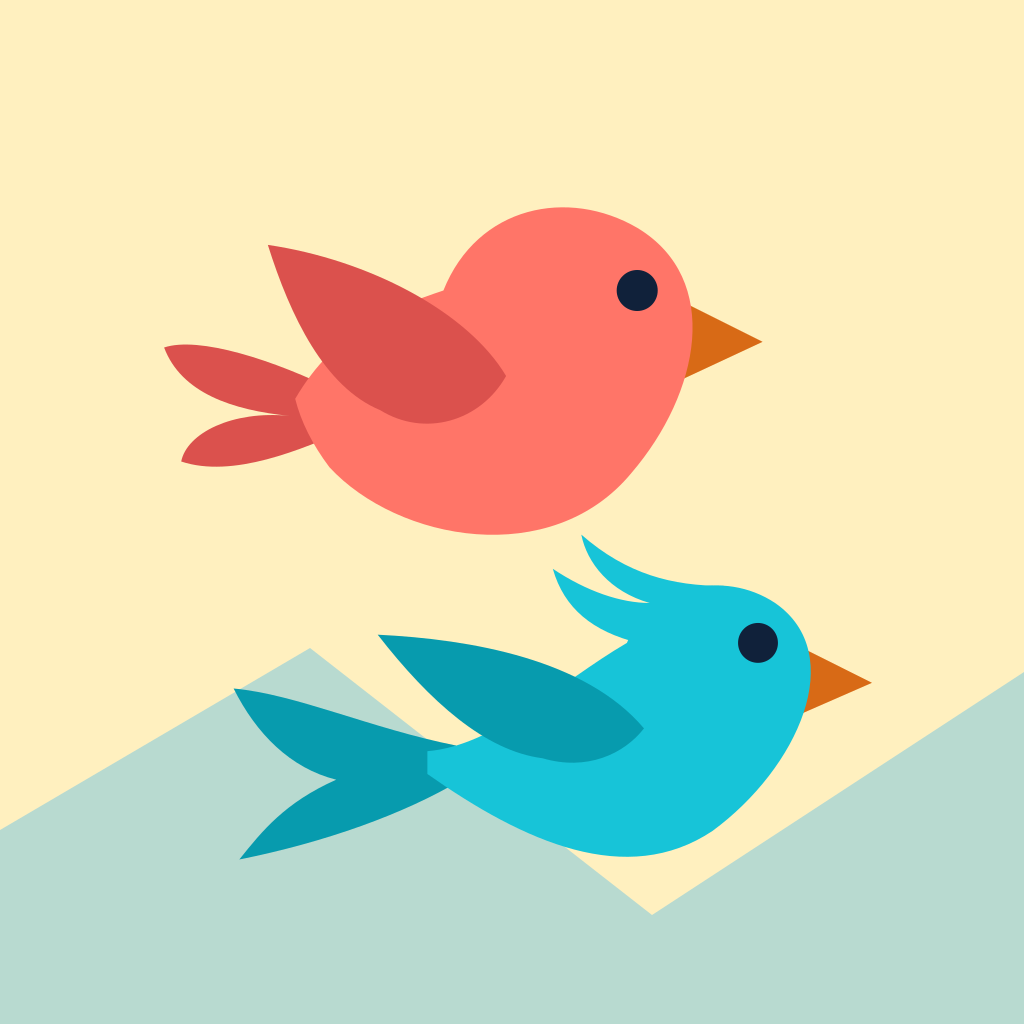
- Colour is never the only cue. Flap is round with a short tail, and Jack is slim with a crest and a forked tail, so you can tell them apart wherever they fly, even after a Swap. Lessons name the bird, and the Versus items use distinct symbols.
- Reduce Motion (in the Settings app, under Accessibility) stops the screen shake, the drifting scenery, and decorative spins and pulses. The Swap's flash and the Flip's sliding stones become gentle fades. The gates and birds still move, because that is the game.
- Menus work with the iPhone's built-in screen reader and scale with your text size, up to the largest standard size.
- Gameplay is not playable with a screen reader, because it needs quick taps on both halves of the screen.
- Sound is optional. Every sound has something on screen that goes with it, and Sound and Haptics can each be turned off in the game's Settings.
iPhone Duo and other iPhone models
- Flap & Jack plays in landscape on any iPhone. You don't need iPhone Duo.
- On iPhone Duo, when it's open, the fold is the line between the two birds, and nothing you need to tap sits on it. When it's closed, every mode plays on the outer display with a drawn line between the halves. Other iPhone models use a drawn line too. The playfield and rules are the same everywhere.
- Folding, opening, closing or rotating your iPhone during a run, or resizing the game's window, pauses the game. Tap Resume to continue.
- In a tall window the two playfields stack, one above the other. The top half flies the top bird and the bottom half the bottom bird; in Jack & Flap they're crossed.
- If the window gets too small, for example next to another app, the game shows "Make this window bigger to play."
Troubleshooting
No sound.
Check that Sound is on in the game's Settings and that your iPhone isn't silenced. The game follows
silent mode and plays alongside your own music.
No vibration.
Check that Haptics is on in the game's Settings and that system haptics are on in the Settings app.
My score isn't on Game Center.
Make sure you're signed in to Game Center. Only a run that matches or beats your best is sent, and
scores that couldn't be sent are retried when you sign in and each time the game starts. Versus
scores are never posted.
The screen flashed and paused for a second in Versus.
That's a Swap starting or ending. The game holds briefly so you can see the birds change halves, then
play carries on.
The game paused by itself.
Folding, rotating or resizing pauses the game so you don't crash by surprise. Tap Resume.
My taps fly the wrong bird.
In Jack & Flap the controls are crossed on purpose. In Versus, check whether a Swap is running: your
half still flies your bird, which is now on the other side.
Reporting a problem
Email flapandjack@eatgent.ai and, if you can, include:
- your iPhone model and its software version;
- the game's version, shown in the game under Settings > Version;
- which mode you were playing;
- what you expected and what happened instead.
Price
Flap & Jack is free, with no ads and no purchases. If something is broken, email us; we would rather fix it.
Privacy
Flap & Jack collects no personal information. Your scores and settings stay on your iPhone, and the only online feature is Apple's Game Center, which is optional. Read the full privacy policy at https://flapandjack.eatgent.ai/privacy.